

Hacked on Social Media? Here’s How to Take Back Control and Stay Secure
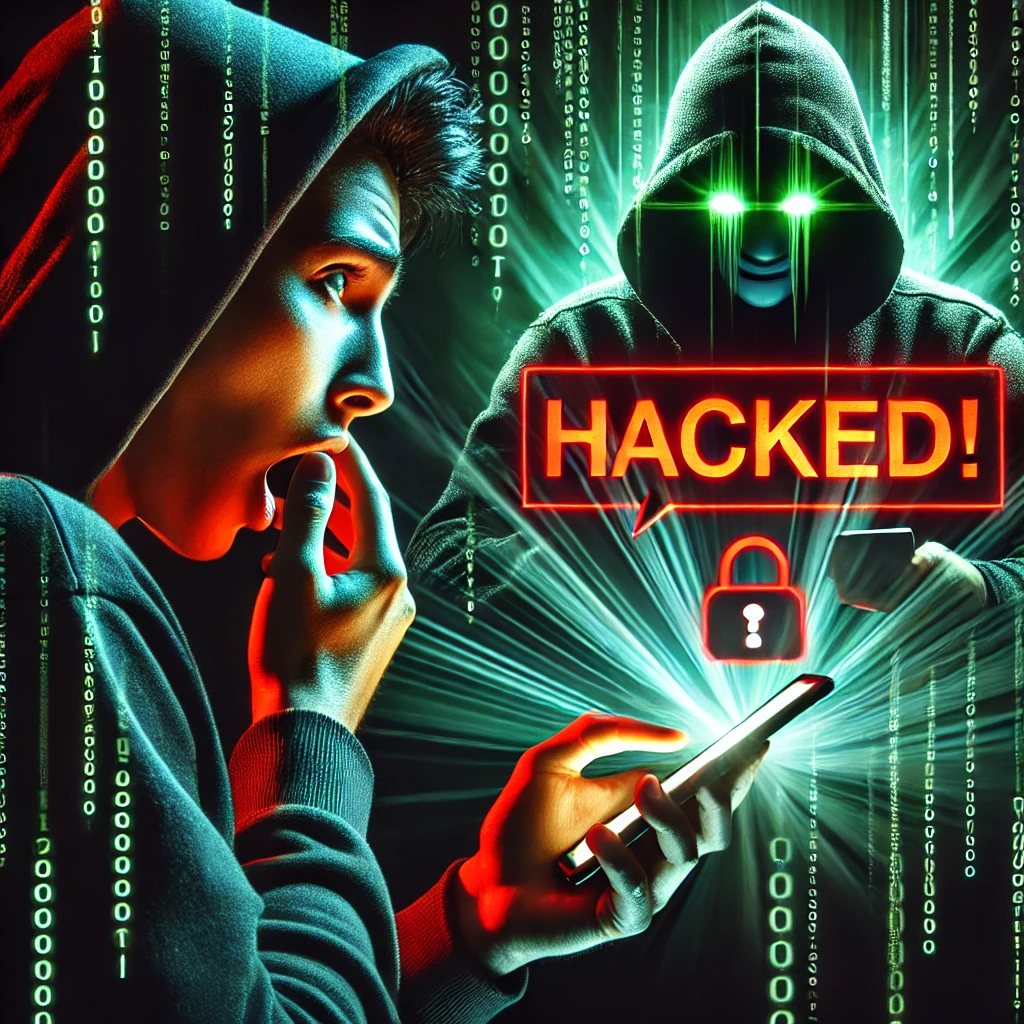
It was a typical Tuesday morning. I sipped my coffee, opened my laptop, and attempted to log into my favorite social media platform. To my surprise, my password was rejected. Confused, I tried again, only to receive the same error. Panic set in as I realized that my social media had been hijacked.
Over the next few hours, I watched helplessly as the hacker posted inappropriate content under my name, sent malicious links to my friends, and tarnished the reputation I had built over years. The experience was harrowing, but it served as a wake-up call about the importance of online security.

Understanding the Threat Landscape
In today’s digital age, cybercriminals use increasingly sophisticated methods to breach social media accounts. Common tactics include:
-
Phishing Attacks: Deceptive messages that trick users into revealing their login credentials.
-
Weak Passwords: Simple or commonly used passwords that are easy to guess.
-
SIM Swapping: A technique where attackers transfer your phone number to their device to intercept two-factor authentication (2FA) codes.
Steps to Fortify Your Social Media Security
1. Create Strong, Unique Passwords
Avoid using passwords like “123456” or “password.” Instead, use passphrases that include letters, numbers, and symbols. For example, “Sunset!Beach#2025” is strong and memorable.
2. Enable Two-Factor Authentication (2FA)
Adding an extra layer of security significantly reduces your risk. While SMS-based 2FA is common, authenticator apps or hardware tokens provide even better protection.
3. Be Vigilant Against Phishing
Always scrutinize unsolicited messages, especially those urging urgent action. Moreover, verify senders and avoid clicking suspicious links.
4. Regularly Update Your Passwords
Change passwords periodically and avoid reusing them across platforms. As a result, even if one password is compromised, others remain protected.
5. Monitor Account Activity
Keep an eye on login history and device activity. If anything looks unfamiliar, log out and change your password immediately.
What to Do If You’ve Been Hacked
Experiencing a breach can be overwhelming, but you don’t have to go through it alone. If you suspect your social accounts have been compromised:
-
Reach out to digital security professionals
-
Report the breach to the platform
-
Update all account security settings
At Loving Social Media, we help individuals and businesses regain control of their digital presence and implement strong protections to prevent future attacks.

-
Trusted Resources for Recovery and Prevention
-
National Cyber Security Centre (NCSC) – Social Media: How to Use It Safely
-
FTC – How to Recover Your Hacked Email or Social Media Account
-
The Cyber Helpline – Free Expert Help
-
Stay Safe Online – How to Take Back Control of a Social Media Account
-
Have I Been Pwned – Check If You’ve Been Breached
-
Platform-Specific Social Media Security Tips
-
Enable 2FA
-
Review active sessions
-
Limit third-party app connections
-
Use a strong, unique password
-
Monitor login activity
-
Watch out for fake Instagram emails
Twitter (X)
-
Enable 2FA via authenticator apps
-
Revoke suspicious third-party app access
-
Be cautious with DMs and shortened URLs
-
Adjust privacy settings
-
Only accept verified connection requests
-
Regularly update your password
TikTok
-
Enable two-step verification
-
Be mindful of personal content shared
-
Keep the app updated regularly
Snapchat
-
Turn on login verification
-
Review friend requests carefully
-
Adjust your story visibility settings
-
Activate two-step verification with a PIN
-
Avoid unknown links
-
Limit who can add you to groups
-
Use a unique password
-
Enable 2FA
-
Don’t overshare personal information
-
Secure your password and 2FA
-
Review linked accounts
-
Keep app permissions up to date
Discord
-
Turn on 2FA
-
Join only trusted servers
-
Always update the app for the latest security fixes
General Best Practices for All Platforms
-
Use Unique Passwords: Never reuse the same password across platforms.
-
Avoid Phishing Attempts: Always double-check email sources before clicking links.
-
Monitor Your Accounts Regularly: Keep tabs on new logins, suspicious activity, and device authorizations.
Final Thoughts
My experience was a painful but powerful lesson in the importance of cybersecurity. Fortunately, by taking proactive steps like using strong passwords, enabling 2FA, and staying aware of phishing threats, you can protect yourself from becoming the next victim.
Online safety isn’t a one-time task — it’s an ongoing habit.